In a workshop that handles flexible materials, the real cost isn’t the machine’s price tag—it’s the six months of downtime, rework, and scrapped sheets that follow a bad purchase.
Sales brochures boast “120 m/min speed,” “±0.05 mm accuracy,” and “cuts up to 120 mm thick.” But those numbers rarely translate to reliable production. I’ve seen too many factories buy a machine that looks great on paper but can’t produce a clean edge on 25 mm EVA foam.
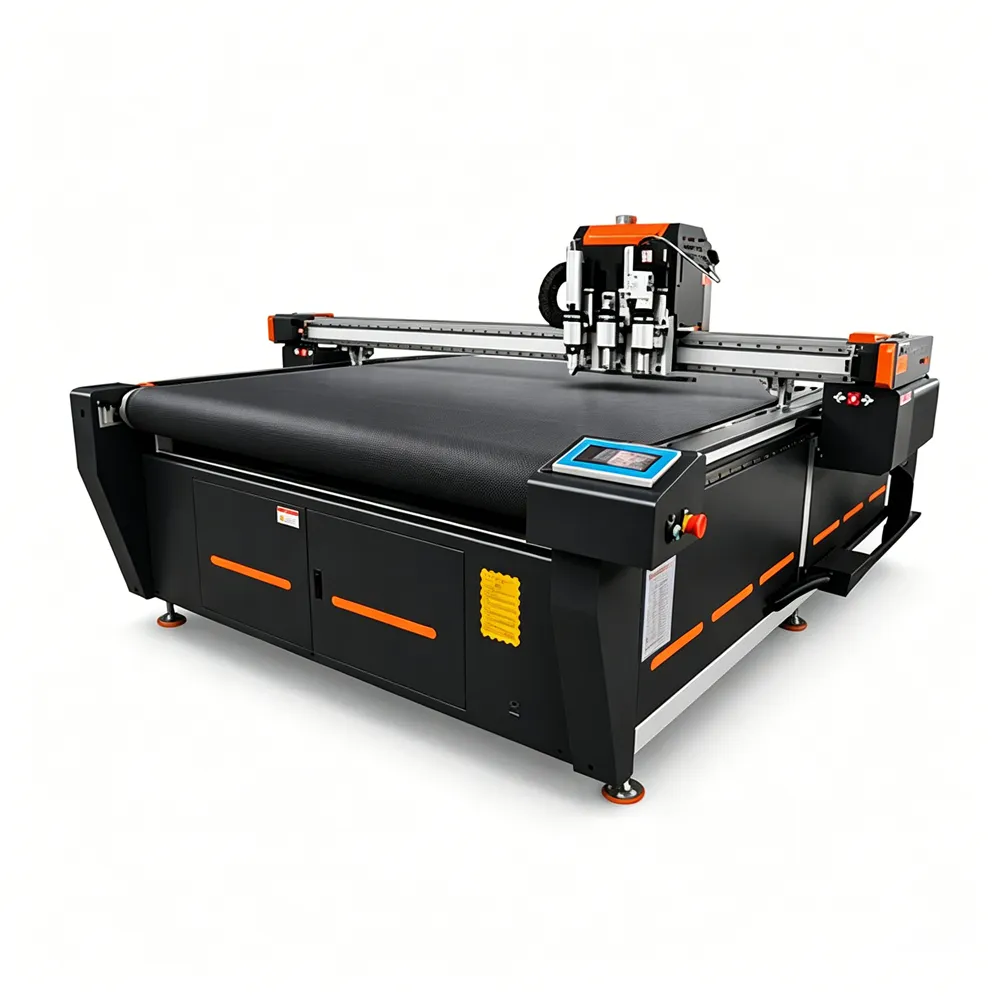
Selecting a cutter isn’t about buying a sports car; it’s about buying work boots—solid, durable, and made for your specific floor. Here are five hard-earned lessons to guide you.
1. Don’t Ask “What Can It Cut?” — Ask “How Does It Finish?”
The first question most buyers ask is: “Can it cut foam?”
The better question is: “Will my foam have a fuzzy or melted edge?”
Materials are not one-size-fits-all. EPE foam is light and springy; EVA foam is dense and heat-sensitive. An oscillating knife that glides through EPE may burn or powder EVA if the amplitude and frequency aren’t tuned.
Corrugated board has flutes—cutting across them versus along them changes resistance entirely. Crease quality matters just as much as cutting; a poor crease wheel ruins folding accuracy. Textiles? Knits stretch, wovens fray, coated fabrics slip. If the machine doesn’t control feed tension and knife angle, your pattern will distort.
Before even requesting a quote, I create a material profile card for every regular stock item:
- Density/hardness (measured or even by thumb pressure)
- Thickness range (daily average vs. occasional peak)
- Edge requirement (is it internal padding or visible upholstery?)
This free exercise eliminates 80% of configuration guesswork.
2. You’re Buying a Tool System, Not a Single Machine
A rigid frame is useless if the tool on the beam is wrong for your job.
Many buyers cut tool options to save upfront cost—and then spend ten times that in lost productivity. Why? Because changing tools manually takes 5–10 minutes per job. Do that three times a day, and you lose an entire shift every month.
Think in terms of primary tool + auxiliary tools:
- Primary (e.g., high‑frequency oscillating knife) handles 80% of daily contour cuts.
- Auxiliary (creasing wheel, drag knife, milling spindle, rotary blade) covers the remaining 20%—grooves, kiss‑cuts, perforations, or v‑grooves.
The sweet spot is a machine that lets the operator select a tool in the software, and the beam automatically changes it, calibrates height, and compensates for offset. That’s not luxury; that’s the minimum for a busy shop.
3. Poor Cut Quality? Check the Table Before You Blame the Blade
I once visited a packaging plant where the cutter left one side of the sheet under‑cut and the other over‑cut. They replaced knives, reinstalled software—nothing worked. The culprit: a vacuum table warped by moisture, with a 2 mm dip in the middle.
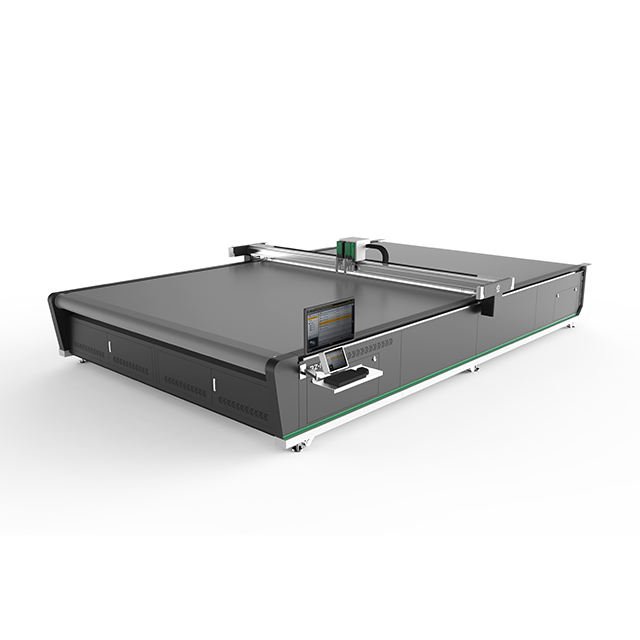
Vacuum hold‑down isn’t just about pump power—it’s about zoning. A single giant suction zone wastes energy and can’t hold small sheets firmly. Multi‑zone systems let you activate only the area under the material, saving power and improving grip.
Table flatness is the silent foundation of accuracy. If the surface varies by more than ±0.3 mm, thin materials (e.g., 1 mm PVC) will lift in spots, causing inconsistent cut depth. Always ask for the table’s flatness certification.
Frame rigidity matters at speed. A lightweight frame may vibrate when the gantry moves in curves, turning circles into polygons. A simple field test: run a 500 mm diameter circle at normal cutting speed and feel the rail for high‑frequency chatter. If you feel it, the structure is too weak.
So when you evaluate a machine, kneel down and inspect the weld quality, rail size, and beam cross‑section. These hidden parts determine long‑term consistency.
4. Ignore “Max Speed” — Measure “Throughput”
The advertised “120 m/min” is the rapid traverse—empty head, no cutting. Real cutting speed depends on material resistance, tool life, corner acceleration, and vacuum response.
I rely on three simple on‑site tests:
- Edge quality test: Cut a complex shape (sharp corners, small arcs, long straight lines) and examine the edge with a magnifier. Look for burrs, tears, or melted spots.
- Dimensional consistency test: Cut ten identical parts and measure critical dimensions with a caliper. The spread (max‑min) tells you more than a single positioning accuracy spec.
- One‑hour production count: Time the machine from start to finish, including tool changes and material loading, and count how many good parts come out. That number is your real ROI data.
As for thickness: don’t chase the maximum. If 90% of your jobs are under 30 mm, a machine built for 120 mm will carry extra cost, longer blades, and reduced stiffness for thin materials. Match the machine to your actual order mix, not your ambitions.
5. Software and Workflow Decide Whether Your Team Loves or Hates the Machine
Hardware enables cutting; software determines how fast, how accurately, and how profitably you cut.
Outdated software that requires file conversions, manual tool‑parameter entry, and manual nesting wastes hours each day. Worse, it relies on a single “expert” operator—creating a bottleneck.
I prioritize three software capabilities:
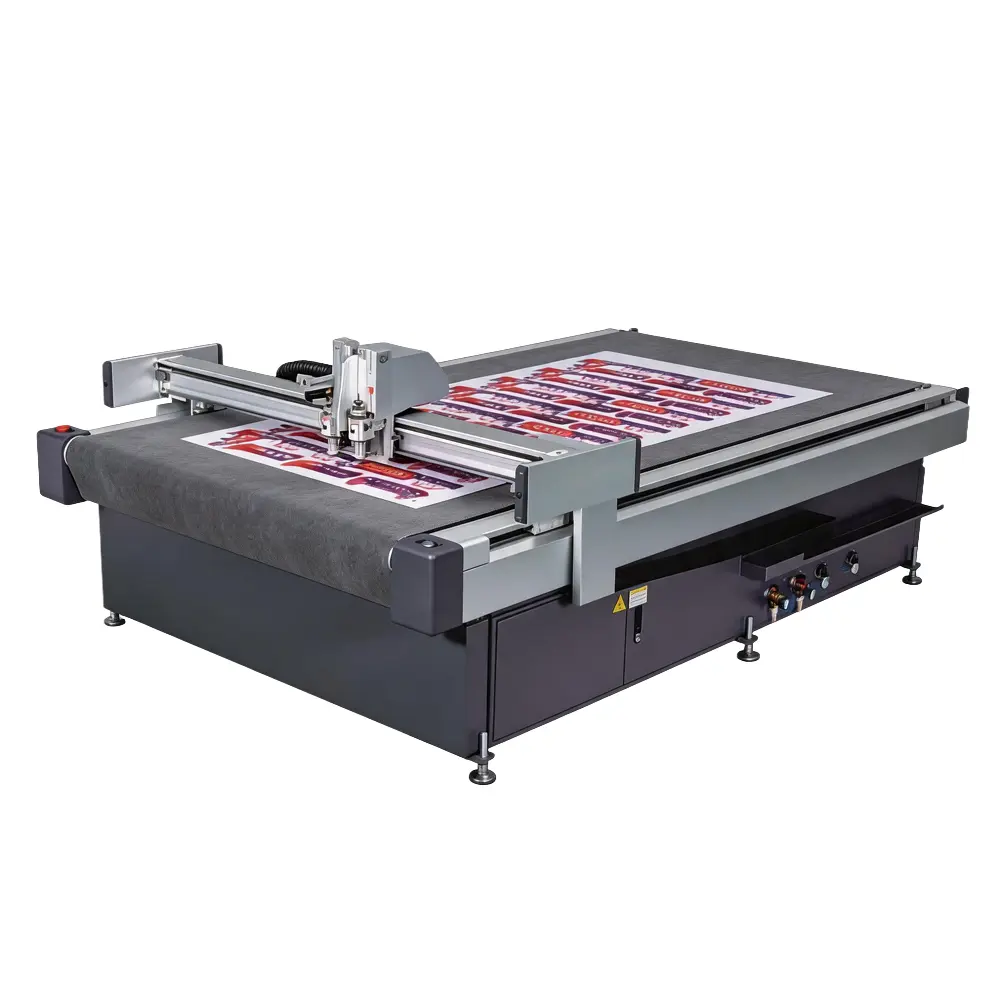
- Smart nesting (true shape layout): For expensive materials like technical textiles or composites, even 5% material savings can pay for the machine in a year. Good nesting automatically rotates parts, shares cut lines, and uses remnants efficiently.
- User‑friendly interface: Can a new operator learn to import a DXF, select tools, and start cutting within two days? If training takes weeks, scaling production becomes painful.
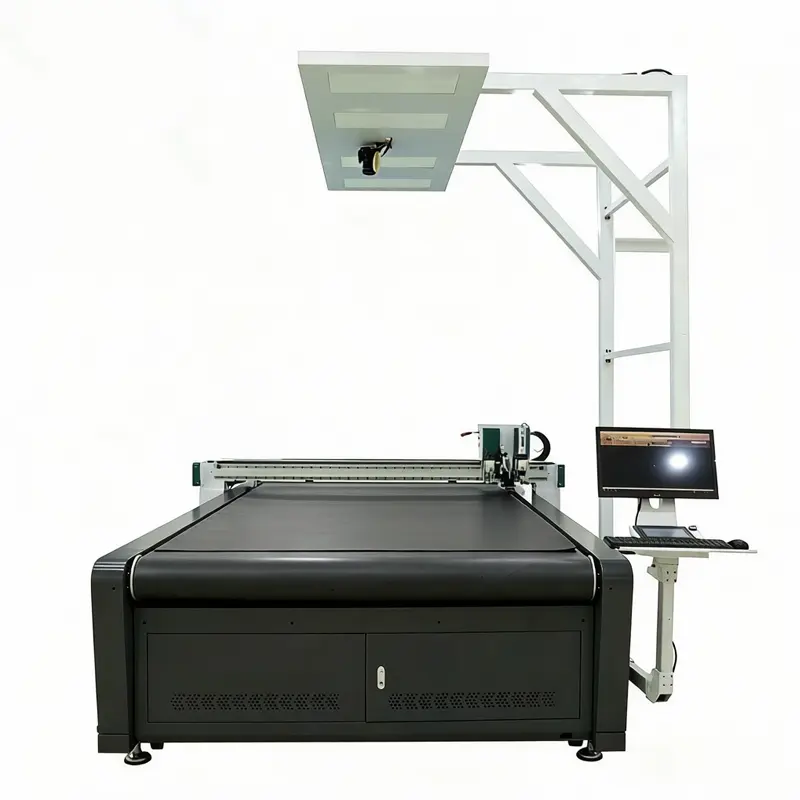
- Integration with upstream/downstream processes: If you print registration marks, need vision alignment for skewed sheets, require automatic roll feeding, or want to label cut layers—these are not “nice‑to‑haves”; they are productivity multipliers.
My rule: map your current workflow pain points, then buy software features that directly address them—not features that sound impressive but never get used.
The “Six‑Month Regret” Checklist
Before signing, I ask buyers to do one counter‑intuitive exercise: Imagine the machine has been running for six months. What will you complain about most?
The answers usually converge:
- The oscillating knife burns dense foam (→ specify higher‑power oscillation with cooling).
- The vacuum loses grip on small pieces (→ insist on multi‑zone with adequate airflow).
- The software doesn’t auto‑compensate for tool diameter (→ confirm tool‑radius compensation is built in).
- Spare parts take two weeks to arrive (→ check local service center inventory).
Fix these four issues upfront, and the machine becomes a profit center, not a headache.